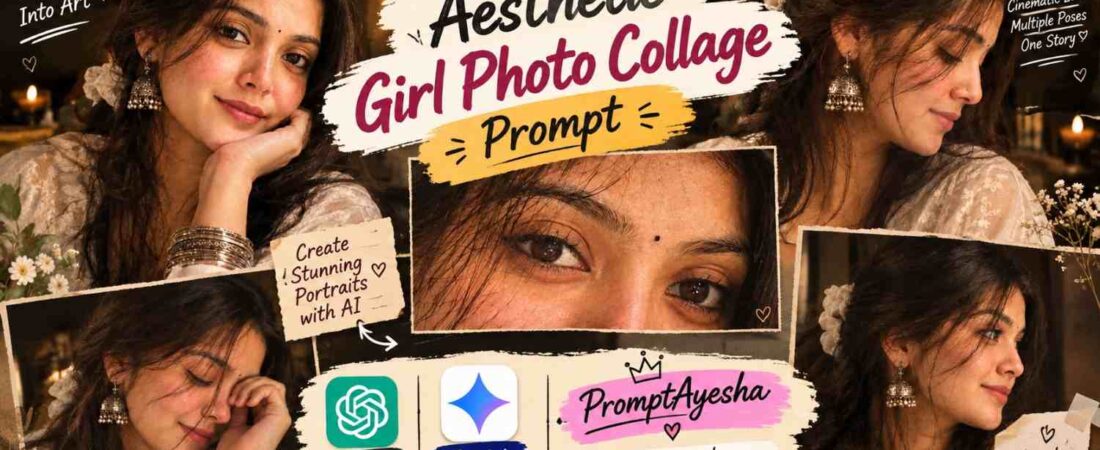
Modern digital portraiture is shifting away from flat, single-angle smartphone captures toward complex, story-driven editorial designs. When browsing through high-engagement fashion lookbooks, you will notice a huge demand for nostalgic, film-inspired imagery.
Instead of uploading an ordinary headshot, creators now use specialized arrangements to showcase multiple emotional angles of a single character on a single canvas.
This specific methodology creates a deeply personal narrative that resembles an intimate personal diary entry, a classic film strip, or a page from a vintage fashion journal.
By utilizing precise machine parameters, anyone can simulate professional studio lighting and deep texturing to build a flawless multi-frame design layout that commands high user engagement.
Deconstructing the Nostalgic Vintage Architecture
The absolute core of a successful multi-frame design rests entirely on maintaining a perfect balance between color harmony, subtle facial expressions, and structural consistency. When an algorithm scans an image layout, it immediately checks if the individual panels belong to the same visual universe.
If your shades or lighting directions clash unexpectedly between frames, the overall composition falls apart and looks incredibly messy.
To deliver premium quality that aligns with professional web standards, your multi-frame layouts must master these three crucial pillars:
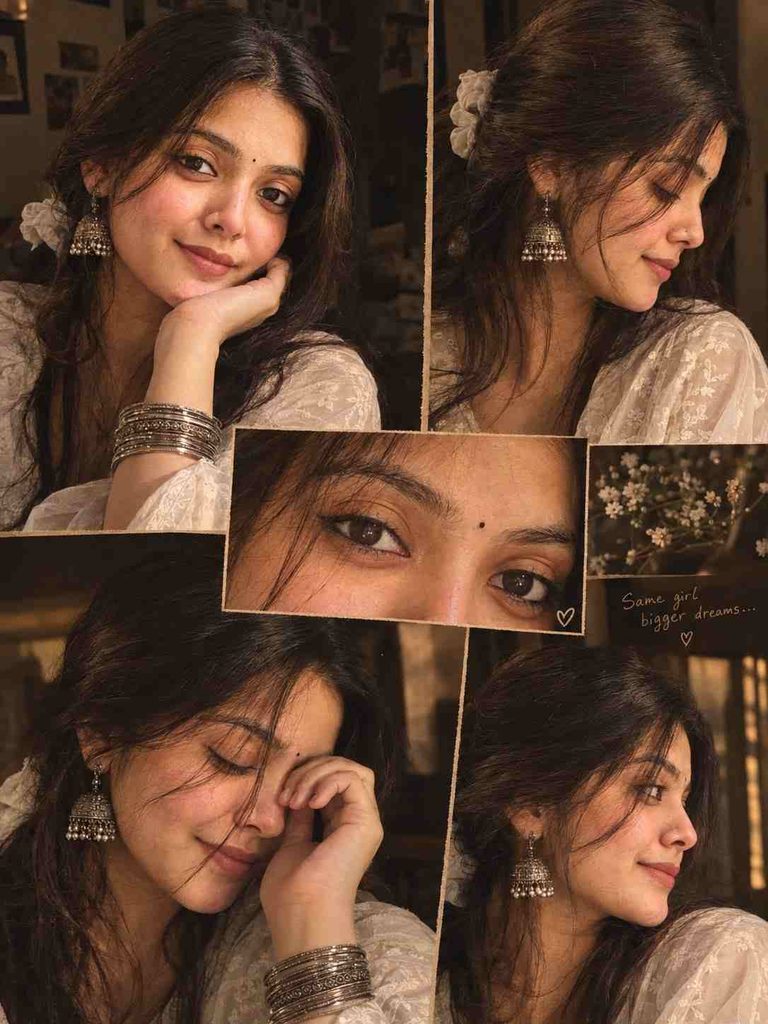
- Volumetric Golden-Brown Illumination: The light source must feel soft, directional, and warm, casting delicate shadows that naturally carve out the subject’s facial symmetry.
- Micro-Texture Preservation: A premium graphic asset must never show extreme artificial skin smoothing. It requires highly visible, realistic skin pores, fine hair strands, and crisp fabric weave detailing.
- Cohesive Accessory Mapping: Traditional elements like heavy silver ornaments, stacked wrist bangles, and fabric hair scrunchies must remain visually consistent across every single panel inside the design.
The Master Photographic Grid Prompt
To generate a perfectly balanced vertical design block without experiencing awkward geometric distortions or anatomical errors, load this highly optimized text layout directly into your preferred image generation interface:
Advanced Parameter Adjustments for Distinct Creative Moods
A highly skilled digital artist understands how to pivot a single prompt concept into multiple completely different sub-genres without breaking the original framework.
By systematically swapping out small descriptive phrases within your master text instructions, you can train the generation engine to hit exact aesthetic targets.
The Film Grain Diary Look
If your ultimate goal is a deeply nostalgic look, explicitly request high-density silver halide film grain and desaturated charcoal undertones. This specific adjustment makes the entire canvas feel like a lost print from the late nineties.
The High-Contrast Editorial Style
For an aggressive, modern commercial look, inject deep shadow gradients and boost the micro-contrast across the metallic elements of your jewelry lines. This creates highly reflective specular highlights that look gorgeous on dark website layouts.
To make this visual asset completely dynamic, you can easily port these generated multi-frame graphics into a high-speed video setup. If you love experimenting with emotional content, you can even use these warm framing principles to build a gorgeous Black and white couple iPhone wallpaper that looks stunning on any modern mobile lock screen.
Solving Structural Layout and Alignment Defects
Every now and then, a generative tool might mix up specific fashion items between panels. For instance, if you are working on a dynamic Bridal nail art car selfie setup, the artificial intelligence might render different ring patterns across the left and right hand slots.
To fix this, keep your accessory descriptions as simple as possible in the text box.
If you are dealing with a complex traditional theme like a Dreamy pink saree iPhone lock screen project, always make sure to lock the seed number of your generation.
This technical step keeps the clothing draping styles, fabric folds, and lighting nodes identical across the grid without shifting between panels.
Integrating Static Designs with Modern Video Pipelines
Once you achieve a flawless vertical graphic output, you do not have to let it sit as a basic static image file on your hard drive. The modern digital ecosystem rewards cross-platform asset optimization.
You can easily feed your completed multi-frame canvas into an animation workflow to generate realistic physics and camera pan movements across the panels.
For example, you can take these multi-panel portrait layouts and blend them straight into a high-reach Navratri viral nails video project to show off clean, frame-by-frame macro transitions.
This advanced workflow bridges the gap between traditional photography blogs and high-velocity video feeds.
To explore a massive, running repository of advanced generation prompts, unique post-processing shortcuts, and viral editing frameworks, make sure to browse through the specialized master archives on Prompt Ayesha.